
Every plan,
on one wall.
A 15.6" touchscreen calendar everyone can read on the way out the door. It syncs Google Calendar, Outlook and iCloud, keeps the chore chart and the meal plan, and shows family photos when the day is done.

One family. Too many calendars.
- Plans live in five phones.
School emails, work invites and the dentist's text land on different screens. Nobody sees the whole week.
- The paper calendar is out of date.
By Tuesday the fridge calendar is missing half the plans, and nobody remembers to fix it.
- Chores turn into reminders.
You ask once, then twice. Kids need to see what's theirs and get credit when it's done.
Home Calendar Display 15.6"
One Full HD touchscreen on the kitchen wall, or on its desk stand on the counter. Landscape or portrait, white frame, plugs into an outlet.
Meet the Home Calendar Display

Add it at work.
See it at home.
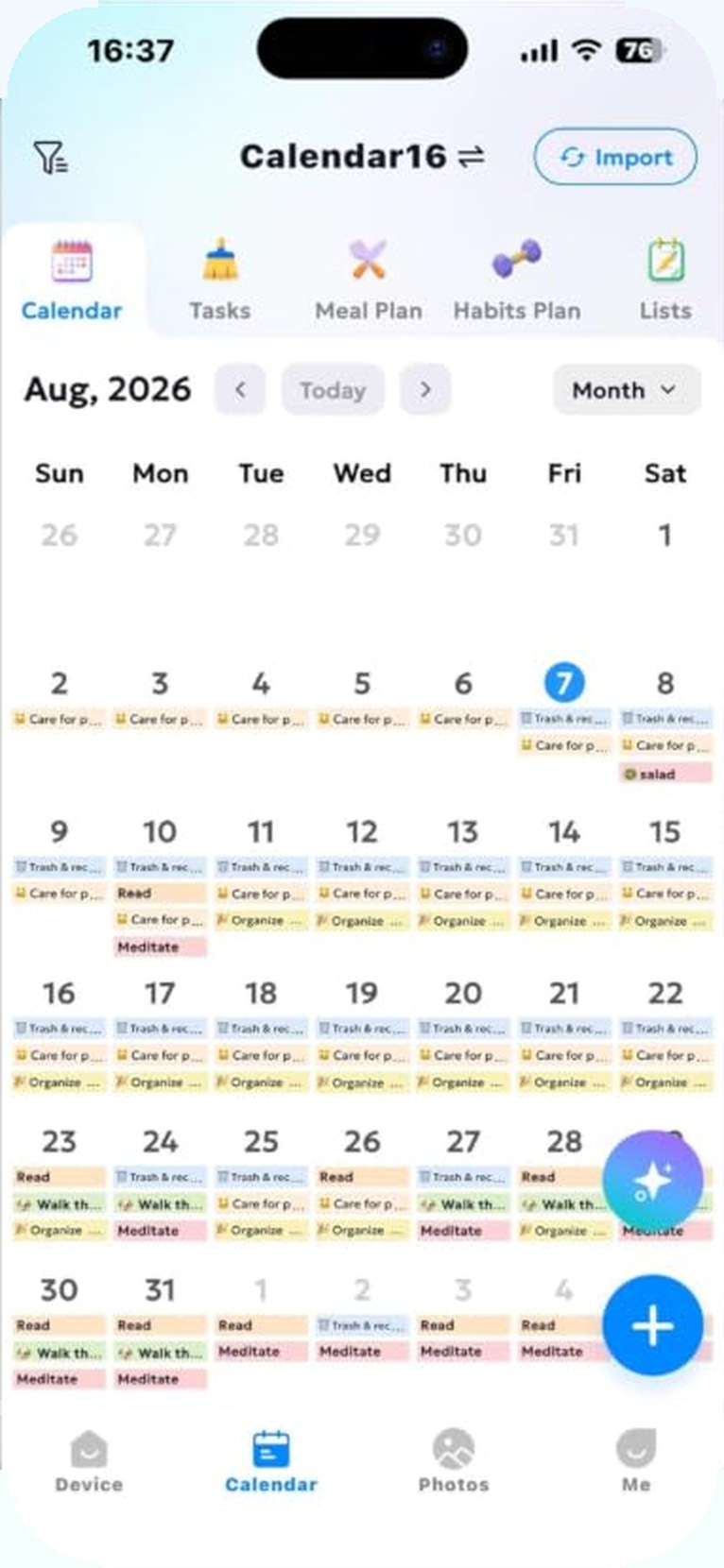
Sync the calendars the family already uses. A plan added on a phone shows up on the wall, so school runs, practice and appointments sit in one view.

Chores, with stars
instead of nagging.
Set chores for each child. They tick them off on the touchscreen and earn stars toward rewards you choose.

Dinner, decided
on Sunday.
Plan the week's meals and keep the to-do list where everyone can see it, so nobody has to ask what's for dinner.

Hands full?
Just ask.
Ask about the day, add a reminder or change a plan by voice, with the built-in microphone and speakers.
 What's on Saturday?Soccer at 10, then lunch at Grandma's.
One last look
by the door.
Hang it in portrait in the hallway, and the day's plans are the last thing you see before you leave.

At night,
it shows the family.
Between plans it becomes a Full HD photo frame. 32GB of storage holds the family's favorite photos, and AI restoration helps old prints look their best.

The family plan, in every pocket.
Plans you add to Google Calendar, Outlook or iCloud on your phone appear on the wall at home.
Nothing to pay each month.
Everyday family planning works without a monthly plan.
Core features
Calendar sync, schedules, meal plans and to-do lists, with no monthly subscription.
AI features
Optional AI-powered features are available if you want them.
Power
It plugs into an outlet on the wall or by the counter.
Start on the kitchen wall.
Connect the family's calendars, add the chores, and let it show the photos at night.
- Free standard shipping over $49.99 (contiguous US)
- 14-day returns
- support@aurumbach.com
Lifestyle photos, scene images and studio images on this page are AI-generated illustrations of the Home Calendar Display. Most screens show the real interface from the product listing; the chore chart and meal plan screens are illustrations. The first phone screen shows the companion app; the other phone screens are illustrations. Everyday family planning (calendar sync, schedules, meal plans and to-do lists) works with no monthly subscription; optional AI-powered features are available. Google Calendar, Outlook and iCloud are trademarks of their respective owners.